
Why automate insider transaction tracking?
Tracking insider financial transactions means following public ownership disclosures filed by company insiders—not detecting illegal trades. Officers, directors, and certain owners of more than 10% of a registered class of equity securities report holdings and changes under Section 16.
Automation helps teams keep a consistent record across many companies and filings. It can flag a new transaction, an amendment, or a change worth reviewing. It cannot tell you why a person traded, establish that a trade was unlawful, or predict a stock’s future performance.
The process starts with SEC EDGAR, the source. A third-party provider such as SEC Filing Data can make filings easier to query and work with in structured form. A useful insider trading tracker can help you review reported activity, but each important record should remain traceable to its SEC filing.
Know which filings and deadlines matter
These forms cover initial ownership, most ownership changes, and certain transactions not previously reported. General deadlines are summarized below; specific reporting obligations can depend on the transaction and applicable rules.
| Form | Purpose | General deadline |
|---|---|---|
| Form 3 | Initial ownership statement | Generally within 10 days after the person becomes subject to the reporting requirement |
| Form 4 | Most changes in beneficial ownership | Generally before the end of the second business day after the transaction |
| Form 5 | Certain transactions exempt from earlier reporting or not previously reported | When required, generally within 45 days after the issuer’s fiscal year ends |
Include applicable forms for ownership history; Form 4 is the main source for current activity.
Deadlines are not real-time alerts: Form 4 may appear up to two business days after a transaction, and some transactions follow different reporting rules. Store both dates to show the delay.
Build a repeatable collection workflow
1. Define the watchlist. Start with issuer CIKs, which identify companies in EDGAR, and optionally maintain tickers as a convenient cross-reference. Include the companies and insiders that matter to your research question. A CIK-based list supports stable issuer matching; tickers can change or be reused.
2. Choose how to collect filings. SEC.gov is the original source. Monitor a small watchlist manually in EDGAR; automate recurring checks for larger lists. SEC Filing Data’s Insider Transactions API documentation supports POST searches by issuer CIK or trading symbol. Practical request and filtering examples follow below.
3. Save filing identifiers before processing details. Keep the issuer CIK, accession number, form type, filing date, and source filing reference. These fields let you trace an extracted record back to the filing and identify when a later filing changes the record.
Output: a queue of new or changed filings, each with enough identifying information to retrieve and verify its original SEC document.
Insider Transactions API Query Examples
The API searches by issuer; its documented request parameters do not directly select Form 4 filings or reporting owners. Each result contains a transactions array, where filing records include documentType and reportingOwner fields. The examples show issuer searches first, then client-side filtering. Code is illustrative and has not been tested against a live API response.
Search an issuer by trading symbol
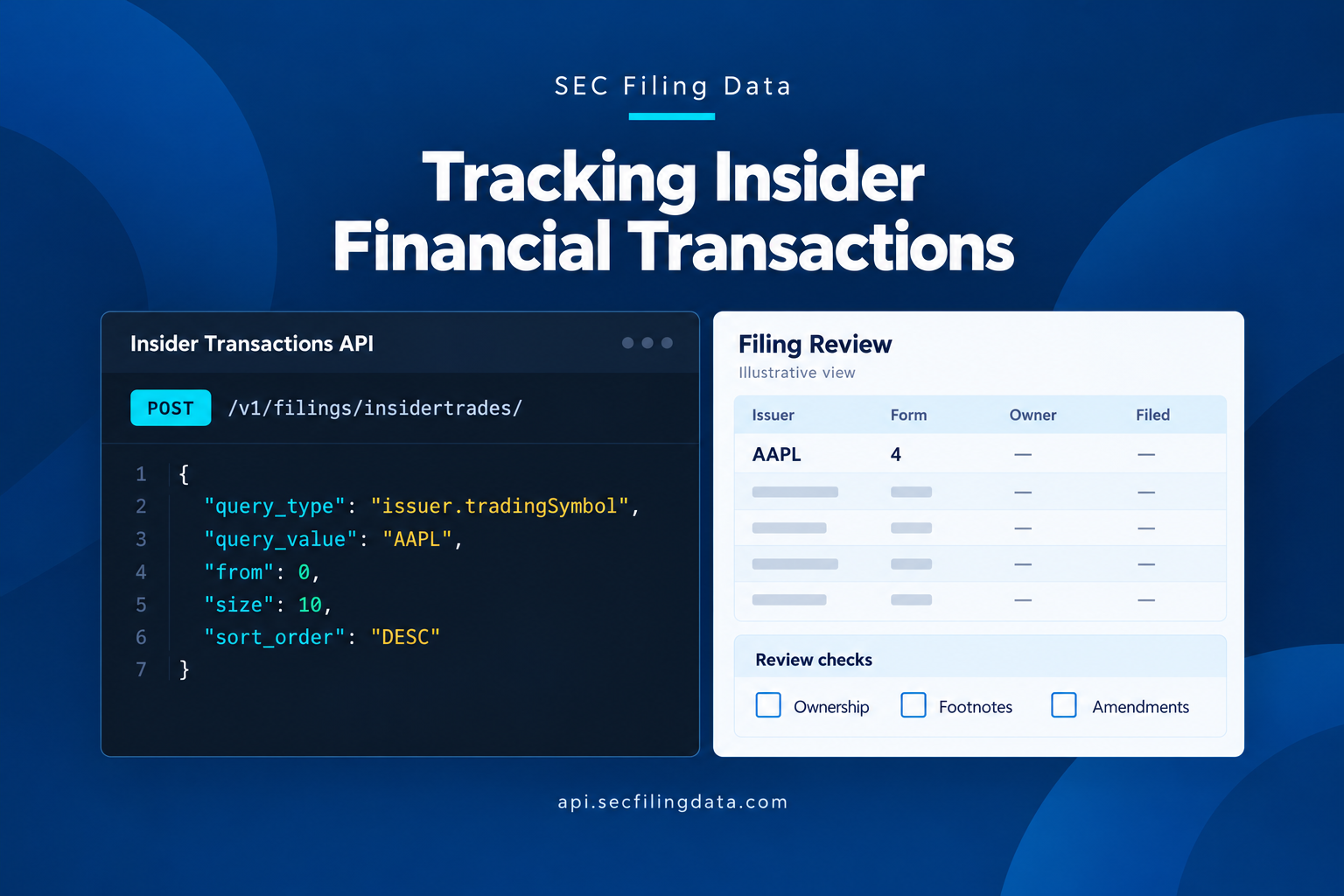
This POST body requests up to 50 recent matching transactions for Apple. It can include Forms 3, 4, and 5; it is not a Form 4-only request.
{
  "query_type": "issuer.tradingSymbol",
  "query_value": "AAPL",
  "from": 0,
  "size": 50,
  "sort_order": "DESC"
}
Send it to https://api.secfilingdata.com/v1/filings/insidertrades/ with Content-Type: application/json and Authorization: YOUR_API_TOKEN.
Search an issuer by CIK
Use the issuer’s SEC CIK when you want stable matching that does not depend on a symbol:
{
  "query_type": "cik",
  "query_value": "0000320193",
  "from": 0,
  "size": 50,
  "sort_order": "DESC"
}
This also searches all matching insider filing types. For another batch, increase from by 50, such as changing 0 to 50.
Filter returned filings by Form 4 and reporting owner
After the issuer request succeeds, filter the returned transactions records. The sample selects original and amended Form 4 filings for Jeffrey E. Williams by matching his documented owner name or CIK; replace these values for another reporting person.
import requests

url = "https://api.secfilingdata.com/v1/filings/insidertrades/"
headers = {
    "Authorization": "YOUR_API_TOKEN",
    "Content-Type": "application/json",
}
payload = {
    "query_type": "issuer.tradingSymbol",
    "query_value": "AAPL",
    "from": 0,
    "size": 50,
    "sort_order": "DESC",
}

response = requests.post(url, json=payload, headers=headers)
response.raise_for_status()
results = response.json()

form4_filings = [
    filing
    for result in results
    for filing in result.get("transactions", [])
    if filing.get("documentType") in {"4", "4/A"}
    and (
        filing.get("reportingOwner", {}).get("name", "").casefold()
        == "williams jeffrey e".casefold()
        or filing.get("reportingOwner", {}).get("cik") == "0001496686"
    )
]
The response schema documents reportingOwner.name and reportingOwner.cik; the owner and form selections above happen locally after the API returns issuer results. The filtered filings can help review transaction dates, codes, amounts, ownership details, and footnotes. Interpret each report in context: a filing is not automatically a simple buy-or-sell signal.
Extract transaction details, not just headlines
For each filing, retain the reporting person and relationship, security, transaction and filing dates, code, amount acquired or disposed, price when reported, post-transaction holdings, and ownership form. Preserve footnotes and remarks, which may explain price ranges, plans, trusts, or other context.
Form 4 separates non-derivative securities in Table I from derivative securities—such as options and warrants—in Table II. It also reports whether ownership is direct or indirect and, for indirect ownership, the nature of that ownership. The Form 4 and its instructions show the fields and explain how they are used.
Codes are a first-pass classification, not a complete explanation. Common examples include P for a purchase, S for a sale, A for a grant or award, M for an exercise or conversion of a derivative security exempt under Rule 16b-3, F for certain tax or exercise-price payments using securities, and G for a gift. Code J means another transaction type, described in an accompanying footnote. Check the form instructions and footnotes before deciding what a transaction represents.
| Filing detail | Why keep it |
|---|---|
| Transaction date and filing date | Shows when the activity occurred and when it became public |
| Code, amount, and price | Helps classify the reported event without reducing it to a headline |
| Post-transaction holdings | Adds context about the insider’s reported remaining position |
| Direct or indirect ownership and footnotes | Shows how the interest is held and what qualifications the filing provides |
| Accession number and form type | Supports source verification and amendment tracking |
Normalize records and handle amendments
Convert dates, numeric values, and codes into consistent internal fields, but retain the original values too. Keep Table I and Table II transactions distinct; an option exercise is not the same event as an open-market purchase of common shares. Store the reported acquisition or disposition indicator, units, price, and any blank or unavailable values without silently treating missing data as zero.
Make the accession number your filing-level reference. Track amendments as new filing events linked to the filing they amend, rather than overwriting the original record or counting both versions as separate independent trades. Reprocess the amended data and mark which version your current view uses. Preserve a change history so a reviewer can tell what changed and when.
Then deduplicate carefully. Joint filings or repeated entries may describe overlapping activity, while multiple rows within one filing may represent different transactions. Do not merge records just because the same insider, company, and date appear; verify the security, transaction details, and filing context first.
Turn changes into reviewable alerts
Set alerts around your workflow’s purpose. A basic alert can flag a new filing for a watchlist company. More focused alerts might identify a code P purchase, an amended filing, a meaningful change in reported holdings, or activity by several insiders in a defined period.
Each alert should show the facts needed for triage: company, insider and role, form type, filing and transaction dates, code, shares, price when reported, ownership form, post-transaction holdings, and a link or identifier for the original filing. Route it to a review queue rather than treating the alert as a conclusion.
For example, suppose an officer’s Form 4 reports a code S disposition and a post-transaction holding. A useful system flags the sale, preserves the reported remaining holding, and surfaces the footnote and any 10b5-1 plan indication for review. Do not label the filing suspicious or infer a likely price move: insiders may sell for liquidity or diversification.
Interpret the record with care
A Form 4 is an ownership disclosure. It is not, by itself, proof of illegal insider trading or wrongdoing. Illegal insider trading concerns trading on material, nonpublic information in violation of a duty or other applicable law; a public filing of a reportable transaction does not establish that conduct.
Direct and indirect ownership also need context. Direct ownership generally means the reporting person holds the securities in their own name. Indirect ownership can involve securities held through an entity, trust, or other arrangement in which the person may have a reportable beneficial interest. The form’s ownership designation and footnote can clarify the reported nature of the interest; do not assume that an indirect position is equivalent to a personal account trade.
Finally, reported activity is not a prediction. An award, tax withholding, planned sale, or gift can have a different meaning from a discretionary market purchase. Even a reported purchase does not guarantee future company performance or stock movement. Use the filing as one piece of research, alongside the company’s disclosures and other relevant information.
Common questions
Does every insider transaction appear immediately?
No. Form 4 is generally due within two business days, so activity may appear after its transaction date. Some transactions are reported later through Form 5, and amendments may revise earlier information.
Is code P always an open-market buy?
Not necessarily. The SEC’s Form 4 instructions describe P as an open-market or private purchase. The code alone does not provide the full circumstances. Check the security, reported price and amount, ownership details, and footnotes before classifying the event for your own analysis.
What is the practical first step?
Start with a small watchlist and save each filing’s accession number and dates. Then add extraction, amendment handling, and alerts that point back to the original filing.
When insider financial transactions are collected consistently, tied to their source filings, and reviewed alongside footnotes and amendments, they form a clear record of reported activity over time. Analysts can see what changed, when it was reported, and what context accompanies it—giving them a dependable foundation for careful research.