
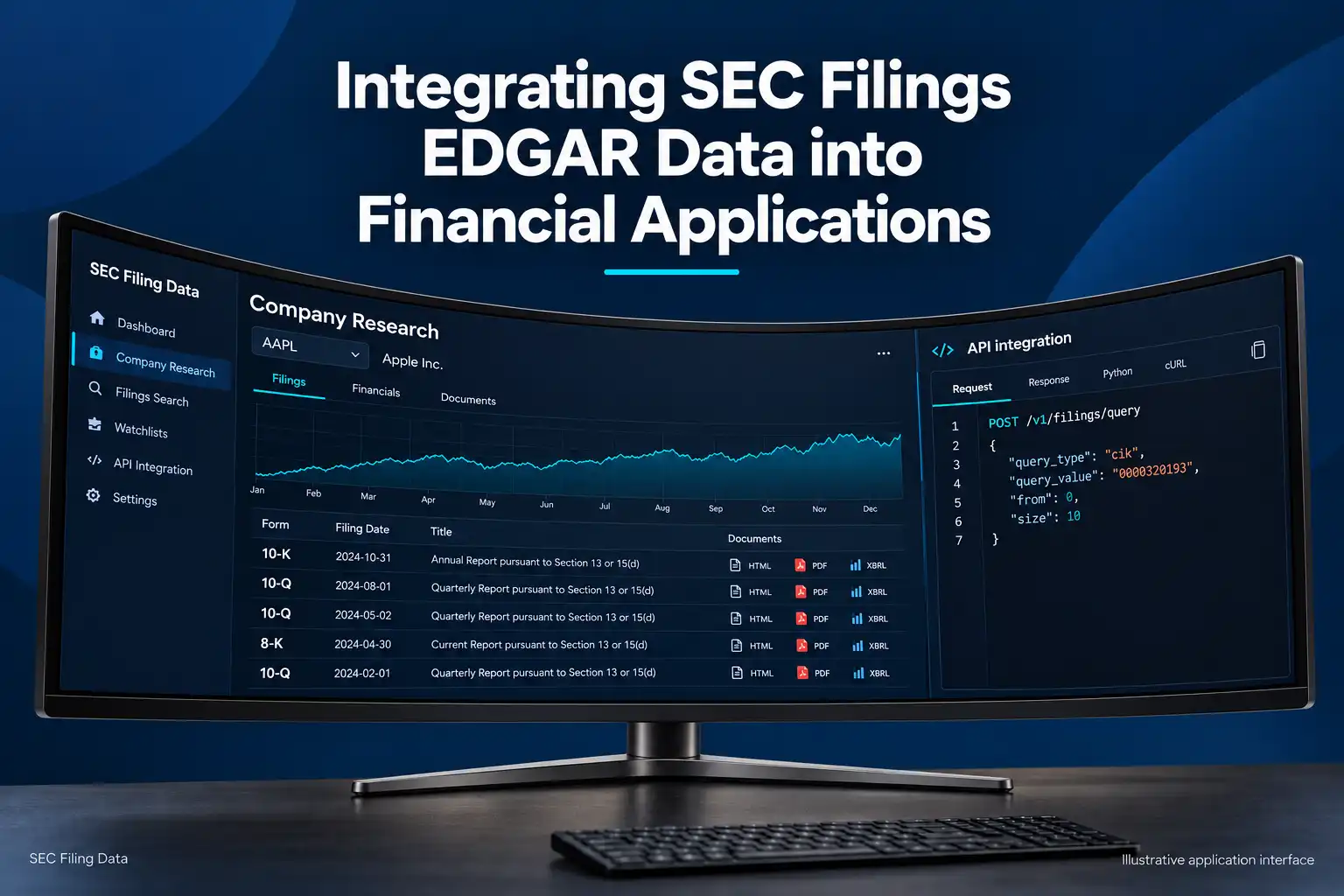
SEC filings EDGAR data can power company research screens, compliance workflows, financial dashboards, and document-monitoring tools. The integration starts with a simple question: does the application need to find a filing, display its original document, extract financial facts, or notify users about new filings? Those needs point to different data and retrieval workflows.
The SEC is the source of EDGAR filings. SEC Filing Data is an independent third-party provider with a documented API workflow for supported filing searches and processing. Choose the source and data layer that fit your application, then preserve the filing’s source identity so users can trace results back to the original record.
Match the data to the application
“SEC filing data” can mean several distinct things:
| Data layer | What it contains | Common application use |
|---|---|---|
| Company identifiers | Names, tickers, CIKs, and other mappings | Resolve a user’s ticker to a stable filing identifier |
| Filing metadata | Form type, filing date, accession number, and source links | Search results, watchlists, and filing timelines |
| Filing documents | Original HTML, text, XML, exhibits, and attachments | Document readers, archival workflows, and review |
| Structured XBRL data | Reported facts and financial statement data | Financial dashboards, comparisons, and screening |
| Alert inputs | Newly available filing metadata or RSS results | Monitor companies and route relevant filings to users |
A ticker is convenient for people, but a CIK is a more durable key for working with EDGAR records. A filing’s metadata identifies the submission; it is not the filing document itself. XBRL facts are structured reported values, not a complete substitute for reading the underlying filing.
Applications commonly use these layers in combination. An analyst dashboard might search a company’s 10-K and 10-Q filings, show the filing dates and links, and display selected reported financial facts. A compliance tool might monitor 8-K filings for a watchlist and send a review task to an analyst. A document archive might store source filings and exhibits by accession number.
Choose a source and workflow
Direct SEC.gov access is appropriate when your team wants to work with the official data resources and can maintain the integration. The SEC provides company submissions and extracted XBRL data as JSON, along with public filing documents. Its submissions data is organized by 10-digit CIK; the filings history includes metadata and may refer to additional files for older records. For broad datasets, the SEC also publishes nightly bulk ZIP files for submissions and company-facts data.
SEC Filing Data is a third-party provider, not the SEC. Its SEC EDGAR API offers a supported Query API for filing metadata and separate documented workflows for company mapping, document retrieval, and XBRL conversion. Check the endpoint documentation for the exact forms, fields, output, plan, and license your application needs.
Build the integration in stages
1. Resolve the company
Accept a ticker, company name, or CIK from the user, then resolve it to the identifier used in your filing workflow. For the provider’s supported mapping, the Mapping API accepts a query_type and query_valueits SEC Mapping API documentation lists ticker, CIK, company name, and agent CIK as supported lookup types. Its mapping data is described as updating daily. Keep the identifier you resolved with your own company record, and refresh mappings when the user changes a symbol or selects a different entity.
2. Search filing metadata
Use metadata search to find records by a company or form using the documented search types. The provider’s SEC Query API documentation specifies a POST request to https://api.secfilingdata.com/v1/filings/query. Set your token in the server environment before running these examples:
export SEC_FILING_DATA_API_TOKEN="YOUR_API_TOKEN"

# Search by ticker
curl --request POST "https://api.secfilingdata.com/v1/filings/query" \
  --header "Authorization: ${SEC_FILING_DATA_API_TOKEN}" \
  --header "Content-Type: application/json" \
  --data '{"query_type":"ticker","query_value":"AAPL","from":0,"size":10,"sort_order":"DESC"}'

# Search by form type
curl --request POST "https://api.secfilingdata.com/v1/filings/query" \
  --header "Authorization: ${SEC_FILING_DATA_API_TOKEN}" \
  --header "Content-Type: application/json" \
  --data '{"query_type":"formType","query_value":"10-K","from":0,"size":10,"sort_order":"DESC"}'

# Search by CIK
curl --request POST "https://api.secfilingdata.com/v1/filings/query" \
  --header "Authorization: ${SEC_FILING_DATA_API_TOKEN}" \
  --header "Content-Type: application/json" \
  --data '{"query_type":"cik","query_value":"0000320193","from":0,"size":10,"sort_order":"DESC"}'

# Search by accession number
curl --request POST "https://api.secfilingdata.com/v1/filings/query" \
  --header "Authorization: ${SEC_FILING_DATA_API_TOKEN}" \
  --header "Content-Type: application/json" \
  --data '{"query_type":"accessNum","query_value":"0000320193-22-000063","from":0,"size":10,"sort_order":"DESC"}'
The same request can be made from a server-side Python service with requests:
import os
import requests

url = "https://api.secfilingdata.com/v1/filings/query"
headers = {
    "Authorization": os.environ["SEC_FILING_DATA_API_TOKEN"],
    "Content-Type": "application/json",
}
payload = {
    "query_type": "cik",
    "query_value": "0000320193",
    "from": 0,
    "size": 10,
    "sort_order": "DESC",
}

response = requests.post(url, headers=headers, json=payload, timeout=30)
response.raise_for_status()
filings = response.json()
Each cURL command and the Python example is a separate request using one documented query_type and query_value; the examples do not combine search conditions. The documented optional parameters include from for the pagination offset, size for the number of records (maximum 100), and sort_order (ASC or DESC). Keep the token in a server-side environment variable or secret manager, never in browser code.
3. Retrieve the right representation
Once you have a filing record, decide what the next screen or process needs:
- Metadata only: show the form, filing date, company, accession number, and available source link.
- Original document or exhibit: retrieve the filing content for reading, archiving, or review. The provider documents a download/PDF workflow, but confirm the current request method and response format in its endpoint documentation before implementing it.
- Structured financial data: use the XBRL conversion workflow when its supported input and output meet your needs. The XBRL to JSON Converter API documentation describes a filing URL as input and JSON containing standardized financial statements, cover-page information, and custom items as output.
Keep a link to the SEC source and the accession number alongside any stored document or extracted value. That makes it possible to open the original record and to identify precisely which filing produced a result.
4. Process, store, and display
Normalize the provider response into the application’s own model rather than coupling every screen to a raw response shape. A useful filing record generally needs the company identifier, form type, filing date, accession number, and source link, plus the fields your use case requires. For extracted facts, retain the reported period, units, and filing context when available.
Use the accession number as a filing-level deduplication key. Store retrieval timestamps separately from filing dates, cache responses when appropriate, and refresh recent records on a schedule that fits the product’s freshness needs. If users need to inspect evidence, display the source filing link next to derived values instead of presenting a number without context.
User provides ticker, company name, or CIK
  |
  v
Resolve company to CIK
  |
  v
Search filing metadata
  |
  v
Select filing
  |
  v
Choose data needed
  |-- Metadata -> Normalize -> Display with SEC source link + accession
  |-- Document -> Retrieve original -> Read/archive with source + accession
  `-- XBRL -> Convert -> Normalize facts -> Dashboard with source + accession

Parallel filing monitoring:
Scheduled metadata search or available feed
  -> Deduplicate by accession number
  -> Notify users
Practical workflows
Research a company’s annual and quarterly reports: Resolve a ticker such as AAPL to its CIK, search metadata for 10-K and 10-Q records, and display the results in filing-date order. Retrieve the original document when a user opens a result; use structured XBRL data only for the financial facts your dashboard needs.
Download multiple filings for an archive: Search metadata for the relevant company or companies, then retrieve the source documents for the resulting accession numbers and store them with their metadata. The Query API documents pagination through from and size, with a maximum page size of 100. Process pages deliberately and confirm the provider’s current download endpoint method and bulk behavior before building a high-volume downloader. For SEC-originated bulk data, the SEC’s published archives cover submissions and company-facts JSON; they are not a general bulk archive of every original filing document.
Set up filing alerts for investors: Identify the companies and form types that matter, then design a monitor that checks an available filing feed or performs scheduled metadata searches. Since each documented Query API request searches by one query type, retrieve the company’s records and apply your form-type rules in your application rather than assuming the API combines filters. Deduplicate by accession number and route matches to the application’s notification system. The SEC says RSS is available for some searches. SEC Filing Data’s API catalog currently marks its real-time filing stream as “Coming soon,” so do not design around that stream as a generally available production API. A monitoring schedule should account for source update timing and reconcile recent results in case a polling interval misses a transient response.
Reliability and data quality
For direct SEC.gov requests, identify your application with the required User-Agent and stay within the SEC’s current maximum rate of 10 requests per second. Use a paced request queue, timeouts, bounded retries with backoff for transient failures, and caching to avoid refetching unchanged records. The SEC does not support CORS fordata.sec.gov, so browser applications should make SEC requests through a backend you control. Review the SEC’s developer FAQ for current access guidance.
For either source, paginate rather than requesting a large result set in one call, and keep enough request and retrieval metadata to diagnose missing or duplicated records. Treat amended filings as separate submissions that may update or correct an earlier disclosure; do not silently overwrite the original filing. Distinguish filing date from report period and acceptance time. For XBRL, compare the concept, unit, period, and context before treating values as equivalent across companies or years.
A reliable integration keeps the company identifier, filing metadata, source document, and structured facts connected, while preserving the accession number and original SEC source link at every step.
Start with the application’s use case, resolve the company to a CIK, search using one documented query type per request, and retrieve metadata, source documents, or structured XBRL according to what the feature needs. Keep the accession number and source link with stored records, then add paced refreshes, deduplication, and amendment handling. Before release, confirm the current endpoint behavior and applicable license for your use.